
Automation
AI OCR: How Document Data Extraction Works, and When It Needs a Person
 Vivian Tamman November 2026 9 min read
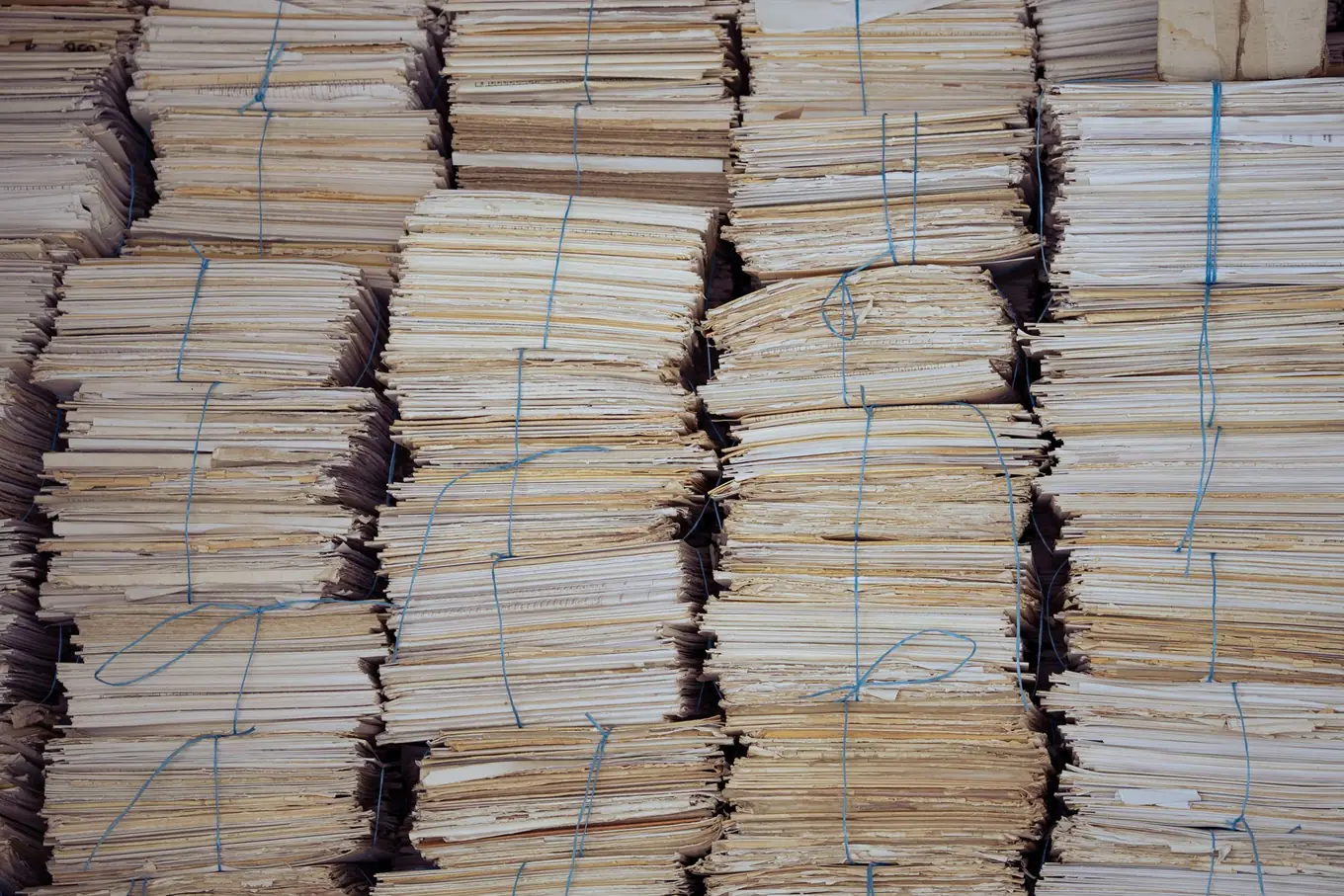 Fields, not just text?
AI OCR is optical character recognition paired with a model that understands the document, so a scanned invoice comes back as labelled fields (supplier, date, total, line items) rather than a block of text. It works well on recurring documents such as invoices and forms, and it is never right every time, so the working design is a threshold: confident results post automatically and doubtful ones go to a person. Reading the page is the cheap part. The checking and the posting into your systems are where most of the effort goes.
This guide is for a finance or operations lead whose team retypes invoices, forms, contracts or scans. It covers the four ways to extract data, what the cloud services cost per page, where language models fit, how confidence scores and human review work, and how to check results against your books. We also say when buying a tool is the better answer. If you want us to build the whole flow, that is our intelligent document processing work, with a pilot on one document type from £5,000.
Key takeaways
- Plain OCR gives you text. Extraction, meaning the supplier, the total and the line items, is a second step, and it is the step that removes retyping.
- There are four approaches: plain OCR, template rules, document AI services and language models. Most real projects mix two of them.
- Cloud document AI is priced per page and the fees are small. At the time of writing (November 2026), one provider lists $0.01 a page for invoices and receipts at the first-million tier.
- Confidence scores and checks against your own records decide what posts automatically. Everything else goes to a person.
- Buy a capture tool when your documents are ordinary and your accounting package has a native integration. Build when layouts, systems or rules are unusual.
What is AI OCR, and how is it different from plain OCR?
Plain OCR converts an image of text into characters. AI OCR adds a layer that works out what the characters mean, so you get a field called “invoice total” rather than a stream of words.
That gap matters more than it sounds. Tesseract, the best-known open-source engine, describes itself as an OCR engine and says it can recognise more than 100 languages out of the box. It gives you text. Nothing in it knows that “£1,240.00” is the amount due and “£1,033.33” is the amount before VAT. PaddleOCR, another open-source project, now describes itself as turning any PDF or image document into structured data, which shows how quickly the line between OCR and extraction is blurring.
For a buyer the practical test is simple. After the software has run, does someone still type values into another system? If so, you have bought reading but not extraction.
What are the four ways to extract data from documents?
There are four approaches, and they suit different documents. The table is a rough guide, not a ranking.
| Approach | Gives you | Weak spot |
|---|---|---|
| Plain OCR | Text only | No fields |
| Template rules | Fields from fixed layouts | New layout breaks it |
| Document AI service | Fields, tables, confidence | Per-page fees, setup |
| Language model | Fields from varied or long documents | Needs checking |
Plain OCR (Tesseract, PaddleOCR) is free to run and good for searchable archives or as the reading step inside a bigger pipeline. We reach for both when we build computer vision work, and our computer vision examples post covers where text-reading sits alongside other image tasks.
Template rules say “the total is in this box on this supplier’s invoice”. They are cheap and exact for a single stable layout. They fail the day a supplier changes their format, and with a few hundred suppliers someone is always maintaining templates.
Document AI services from the big cloud providers return fields, tables and confidence scores using models trained on large numbers of documents. This is the usual middle path, and the next section covers prices.
Language models read a document in context and return what you ask for. They cope with varied layouts and long contracts, and they need checking, because they can be wrong in fluent, plausible ways.
How do document AI services work, and what do they cost?
A document AI service takes a PDF or image and returns structured data. You pay per page, and the fees are small next to the build and the checking around them.
Microsoft’s invoice model in Azure AI Document Intelligence analyses invoices, utility bills and purchase orders, accepts phone-captured images, scans and digital PDFs, and returns key fields and line items as structured data. Amazon Textract detects typed and handwritten text, extracts forms and tables, and has a separate AnalyzeExpense operation for invoices and receipts.
These are list prices at the time of writing (November 2026). They change, region matters, and your invoice may run to several pages, so treat them as a guide and check each pricing page.
| Service | Operation | List price |
|---|---|---|
| Amazon Textract | Detect Document Text | $0.0015 a page |
| Amazon Textract | Analyze Expense | $0.01 a page |
| Amazon Textract | Forms | $0.05 a page |
| Azure | Prebuilt models, pay as you go | £7.5185 per 1,000 pages |
The Amazon figures are US dollars for US West (Oregon), for the first million pages a month. The Azure figure is the pound price for UK South from Microsoft’s retail prices API, which the pricing page itself does not display as a number. Microsoft’s pricing page also lists a free tier of 500 pages a month, and Amazon lists a three-month free tier for new customers.
An illustrative sum, not a quote: 1,000 single-page invoices a month through Analyze Expense is 1,000 × $0.01 = $10 in fees. Through the Azure prebuilt rate it is about £7.52. Either way, fees are rarely the deciding cost. Engineering time, edge cases and the review queue are.
When does a language model beat OCR?
A language model is the better reader when layouts vary a lot or documents are long, and a document AI service is the better choice when you need prebuilt invoice fields, tables and per-field confidence.
Contracts are the clearest case. A forty-page agreement has no fixed layout, and the thing you want, such as a renewal date or a notice period, is buried in prose. We work with the Claude API where long contracts and messy scans need more context than smaller models handle well, and we have shipped OpenAI-powered parsing in client products, where free-text answers are read, checked and marked. OpenAI’s own documentation says its Structured Outputs feature is designed so that the model’s responses adhere to a JSON Schema you supply (OpenAI), which is what makes a model usable as an extraction step rather than a chatbot.
A schema keeps the shape right. It does not make the content right. A model can return a perfectly formatted date that is the wrong date, which is why the checks in the next two sections apply to every approach.
For contract work specifically, our AI contract review post covers what to ask a model to find and what a lawyer should still read.
What are confidence scores, and when should a person step in?
A confidence score is the service’s own estimate of how likely a field is to be right, and you set the point below which a person looks at it.
Microsoft’s documentation says field confidence is an estimated probability between 0 and 1 that the prediction is correct, and that where accuracy is critical you can use confidence to decide whether to accept a prediction automatically or flag it for human review (Microsoft Learn). It also says that not all document fields return a confidence score, so check what your chosen service gives you per field.
A threshold per field makes sense, because a wrong total costs more than a wrong supplier reference. In what we build, anything below a confidence threshold goes to a person rather than into your accounts. Showing the document image beside the extracted value keeps that check quick. We do not promise an accuracy figure before testing on your real documents, because accuracy depends on your documents.
Microsoft’s own tips for low scores are plain. If read confidence is low, improve the quality of your input documents. If field confidence is low, make sure the documents you send are the same type. Both are operational fixes, such as asking suppliers for PDFs rather than photographed paper.
How do you check extracted data against your books?
Check every extraction against something that is independently right: the arithmetic, your supplier list and your purchase orders. A confident wrong number passes a confidence threshold, so confidence alone is not a control.
Useful checks are mostly arithmetic and lookups:
- Totals add up. Line items plus VAT should equal the total. If they do not, one of the fields is wrong.
- The supplier exists. A name or tax reference that matches nobody in your records goes to a person.
- The order matches. Where invoices reference a purchase order, check the amount and the lines against it.
- Duplicates are caught. The same supplier, number and amount twice is one invoice.
- Bank details have not changed. A change to a supplier’s account is never auto-approved.
Our accounts payable automation guide covers the wider process, including when an off-the-shelf capture tool such as Dext or AutoEntry is the cheaper route than building anything.
Where does the extracted data go, and where is it processed?
The data has to land in your system of record without anyone retyping it, and the processing region is something you choose, not something you assume.
Landing is usually the harder half. In our events group sales automation work, the client’s tools were capable but people bridged the steps between them. We built contract signature detection, automatic invoice creation and cross-system field mapping across Pipedrive, SmartDocs and Xero, including splitting one multi-event agreement into separate CRM deals, delivered in three phases. That case is about integration and automation rather than a particular OCR product, but it shows where the effort sits: the reading step is a small part of the chain. For the accounting side, see our Xero integration guide.
On location, for UK businesses handling personal or commercial data, choose a region deliberately and ask each vendor where it processes your documents. AWS lists Europe (London) among Textract’s endpoints (AWS), and Microsoft publishes UK South prices for Document Intelligence, but feature availability can differ by region, so confirm the specific operation you need. For language models, check the provider’s data terms for your plan. This is general information, not legal advice.
Should you buy a tool, assemble services or build?
Buy when your documents are ordinary and your accounting package already integrates with a capture tool. Assemble or build when layouts, systems or approval rules are unusual, or when documents need reading and then acting on.
A rough guide:
- Standard supplier invoices into Xero or Sage: buy a capture tool first.
- One awkward document type with a clear destination: a pilot that wraps a document AI service or a model, with a review queue and checks.
- Several document types, posted into accounts or a CRM, with exceptions routed to a person: a build.
Our published prices are from £5,000 for a document pilot covering one document type and from £10,000 for a build covering several, both fixed price. Both include human review where the AI is unsure.
The cheapest next step is a sample batch. Gather 30 to 50 real documents, including the ugly ones, and book a call. We will tell you whether a tool would cope, or whether it is worth scoping a pilot. Our AI process automation page covers the wider automation work around it.
Frequently asked questions
What is AI OCR?
AI OCR is optical character recognition combined with a model that understands what the text means. Plain OCR turns a scan into a block of text. AI OCR goes further and returns labelled fields such as supplier, invoice number, date and total, often with a confidence score for each. That is what lets the result flow into your accounts or CRM, with a person checking anything the software is unsure about.
What is the difference between OCR and AI data extraction?
OCR reads characters and gives you text. Data extraction decides which text is the invoice number and which is the total, and handles tables and varied layouts. Document AI services and language models do the second job. Many tools bundle both, which is why the terms blur. If your team still retypes values after OCR, you have the first job done and the second still open.
How much does invoice OCR cost?
Cloud services charge per page. At the time of writing (November 2026), Amazon's Analyze Expense is listed at $0.01 per page in US West (Oregon) for the first million pages a month, and Azure's prebuilt models are priced at £7.5185 per 1,000 pages in UK South. A build around the service is a separate cost. Our document pilot for one document type starts from £5,000.
Can AI OCR read handwriting and poor scans?
Sometimes. Amazon says Textract detects typed and handwritten text, and Microsoft's invoice model accepts phone photos, scans and digital PDFs. Quality still depends on the input: Microsoft's own advice for low read confidence is to improve the quality of your input documents. Expect lower confidence on handwriting, skewed photos and faded print, and plan for a person to check those.
Is AI OCR accurate enough to trust without checking?
Not blindly. Confidence scores tell you which fields to trust, and Microsoft's documentation says that where accuracy is critical you can use confidence to decide whether to accept a prediction automatically or flag it for human review. We build it that way: anything below a confidence threshold goes to a person, and totals are checked against your records before anything posts.
Still retyping invoices or forms?
Book a free 20-minute consultation and we'll look at a sample of your documents and say what can be read automatically.
Keep exploring
-
 ERP Integration for SMEs: Options, Costs and What Usually Breaks
ERP integration for SMEs comes down to three routes: a connector app, an integration platform or custom middleware. What each costs, when each fits and what breaks after go-live.
Read more -
 Best CRM for a Small Business in the UK: Seven Compared (2026)
Seven CRMs for a UK small business, listed A to Z with entry prices as each vendor shows them, free plans, hidden costs and a one-week way to choose. CodeLeap sells none of them.
Read more